
AI That Actually Helps
How I Used ChatGPT to File a Business Receipt — Without All the Little Admin Steps
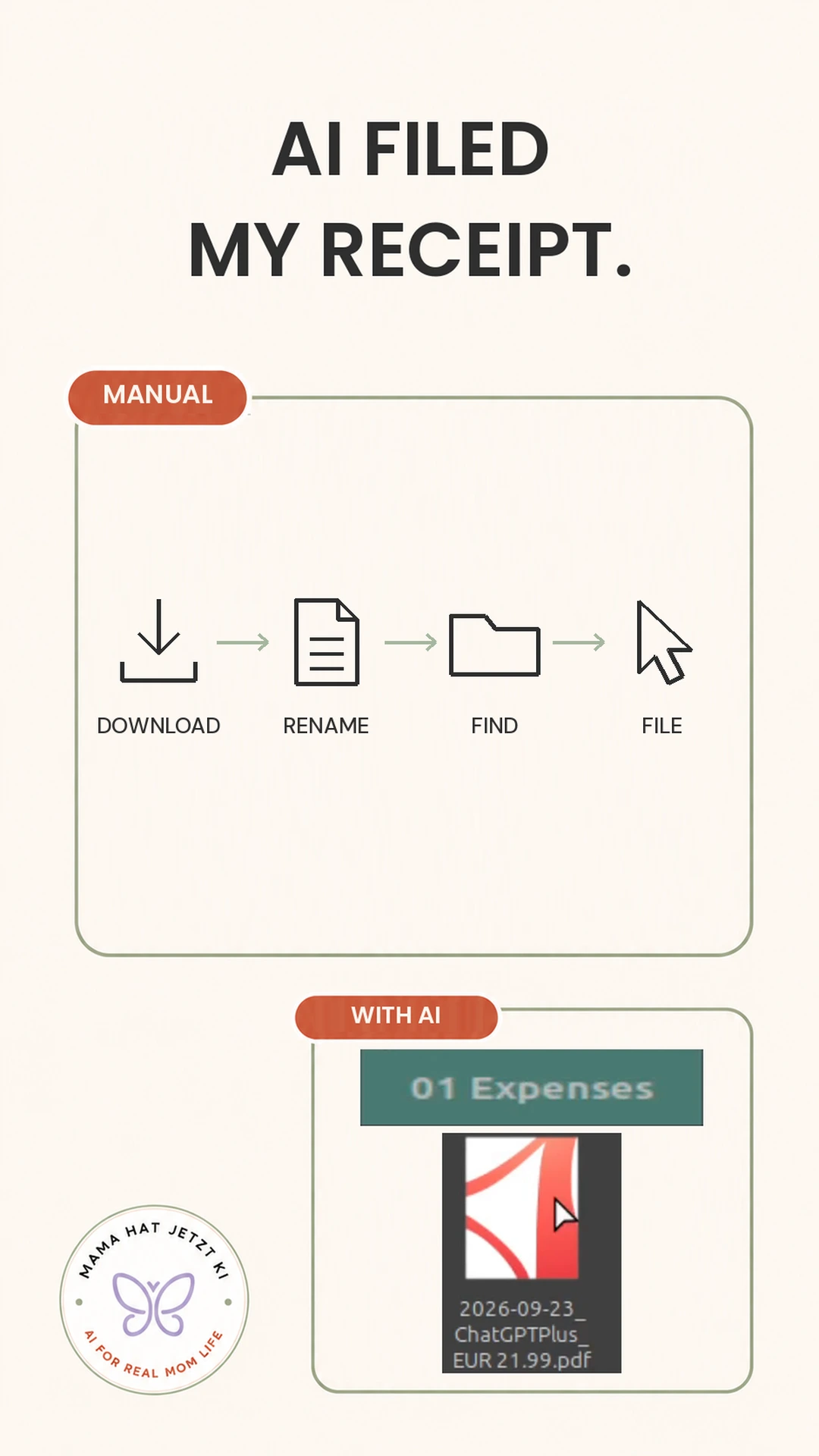
One receipt is not a big job.
That is exactly why it is annoying.
Before this experiment, filing one business receipt meant a small chain of tasks: open the file, check what it is, rename it, find the right folder, save it there, open my expense tracker and add the entry.
None of those steps is difficult. Together, they are exactly the kind of tiny admin task that keeps hanging around in my head.
So I tested whether AI could take over the boring middle part — without pretending it could replace the final human check.
The real-life problem
My system already existed.
I already had a folder for business expenses and an expense tracker. I did not need another app, another dashboard or a completely new system.
I just wanted fewer clicks between receiving a receipt and having it filed where it belonged.
The useful question was not whether AI could invent a better system.
It was whether AI could use the system I already had and handle the repetitive steps.
What I asked ChatGPT
For the real test, I uploaded one business receipt and gave ChatGPT one short instruction.
A privacy-safe English version is:
Please file this receipt in the right folder and add it to my expense tracker.
That was it.
No giant prompt.
No complicated template.
My Google Drive was connected, so ChatGPT could work with the existing folder and tracker in that setup.
That connection matters: this is not a claim that every normal ChatGPT conversation can automatically write into your Drive or spreadsheet.
What happened in real life
The receipt started with an unhelpful downloaded filename.
ChatGPT used the existing system to rename the PDF, file it in the right folder and add the expense to the existing tracker.
From my side, the workflow changed from:
open → rename → find folder → file → open tracker → enter
to something much closer to:
upload → one instruction → review
That was the useful part.
AI did not replace the system.
It used the system that was already there.

What I still do myself
I still do the final check.
That boundary matters.
For this experiment, the AI role was narrow: handle repetitive filing steps, then let me review the result.
That is a much more realistic kind of automation for everyday work.
Why this was actually useful
The time saved on one receipt is not dramatic.
The win is removing a sequence of tiny decisions.
What should I call this file?
Where does it belong?
Did I already enter it?
One tiny task is nothing, but dozens of tiny unfinished tasks create mental clutter.
This experiment removed some of that friction without adding a whole new system to maintain.
Try it yourself
If you already have a simple receipt-filing system, a starting prompt could be:
Please rename this receipt using a clear date_supplier_amount format, file it in my business expenses folder, and add the relevant basic details to my existing expense tracker. Show me what you changed so I can review it.
Adjust the wording to match your own setup and the tools you actually have connected.
Mama Verdict: Actually useful.
For me, this is exactly the kind of AI help that makes sense: not a shiny new productivity system, just fewer annoying clicks inside one I already use.